

Connect a hosted server
Bind GitHub's MCP server with a token, Linear's with an OAuth sign-in, and a vendor's hosted endpoint for a server your repository starts with Docker.
Overview
A hosted server is one your repository declares by URL, such as GitHub's or Linear's. Agents reach it through SHIP, which attaches the credential to each request and sends it to that one URL only. This guide binds three servers from this .mcp.json:
{
  "mcpServers": {
    "github": { "type": "http", "url": "https://api.githubcopilot.com/mcp/" },
    "linear": { "type": "http", "url": "https://mcp.linear.app/mcp" },
    "postgres": {
      "command": "docker",
      "args": ["run", "-i", "--rm", "-e", "DATABASE_URL", "mcp/postgres"]
    }
  }
}
You need to be an owner or admin of the workspace to bind servers. Members see the same pages without the controls. Every CLI command below takes --project <id>, or reads SHIP_PROJECT_ID.
Bind GitHub's server with a token
GitHub's MCP server takes a personal access token as a bearer header. Create a fine-grained token that reaches only the repositories and permissions your agents need: reading issues, pull requests and code covers planning and verifying.
Bind it for the agents that need it
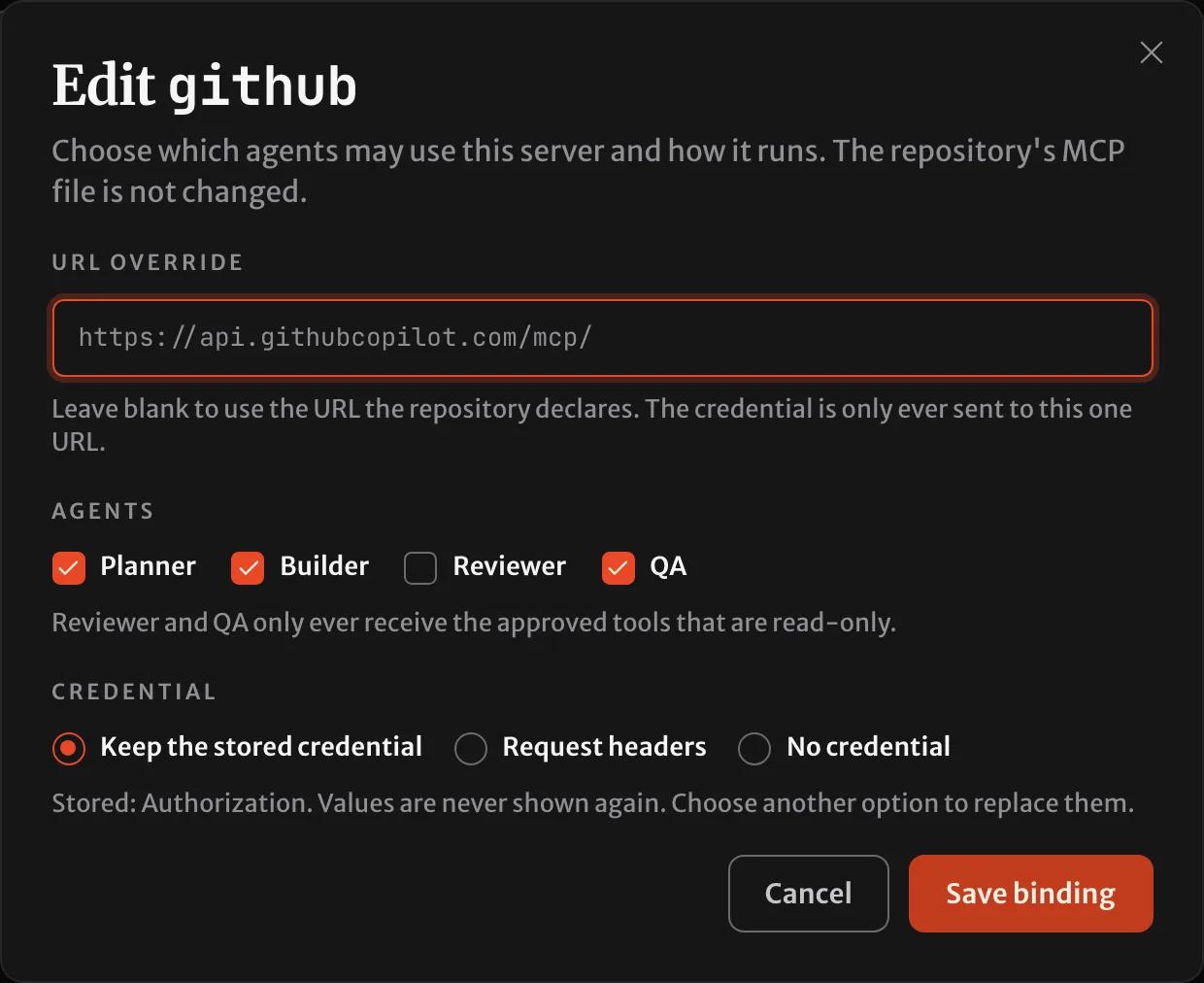
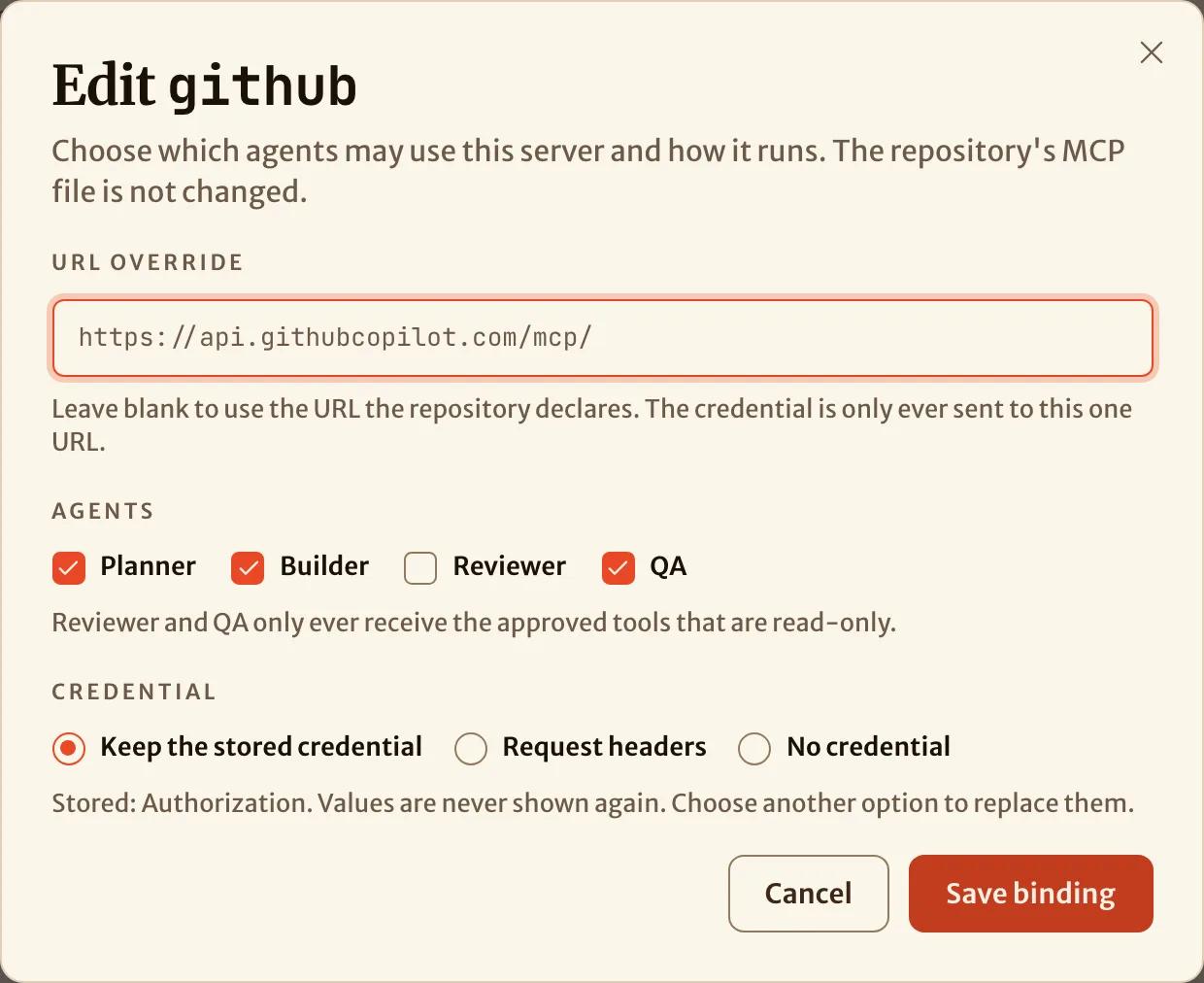
Open the project, select Bind on the github card, tick the agents, and add an Authorization header with the value Bearer followed by your token. Save binding stores the header encrypted. SHIP never shows it again.
Approve the tools agents may call
SHIP lists the server's tools when you bind it. Approve the ones your agents need. The others stay hidden. The reviewer and QA receive only tools the server marks read-only, plus any unannotated tool you confirm only reads.
ship mcp tools github --approve get_issue,list_pull_requests,search_code,get_file_contents --attest get_file_contents[x] get_issue read-only
[x] list_pull_requests read-only
[x] search_code read-only
[x] get_file_contents unannotated, attested read-only
4 of 7 approved - planner 4 tools, builder 4 tools, qa 4 toolsIn the console the same choice is the Tools dialog on the server's card.
Refresh when the server changes
A tool the server adds later is not given to any agent until you approve it. Refresh the list to see it:
ship mcp tools github --refresh[x] get_issue read-only
[x] list_pull_requests read-only
[x] search_code read-only
[x] get_file_contents unannotated, attested read-only
[ ] create_pull_request writes
[ ] add_issue_comment unannotated
[ ] merge_pull_request writes, destructive
[ ] list_workflow_runs read-only
4 of 8 approved - planner 4 tools, builder 4 tools, qa 4 toolsSign in to Linear's server with OAuth
Linear's MCP server signs in with OAuth instead of a token. SHIP registers itself with the provider, runs the sign-in, and renews the authorization from then on. The agents never receive the token, and they never start a sign-in of their own.
Bind it without a credential
ship mcp bind linear --roles planner,builderThe card then reads Needs credential: the server answered that it needs an authorization.
Connect your account
Select Connect on the linear card and approve the access Linear asks for. You return to the project page, which says the server is signed in.
Approve its tools
Once signed in, SHIP can list the server's tools. Approve them as for GitHub: Tools on the card, or ship mcp tools linear --refresh followed by --approve.
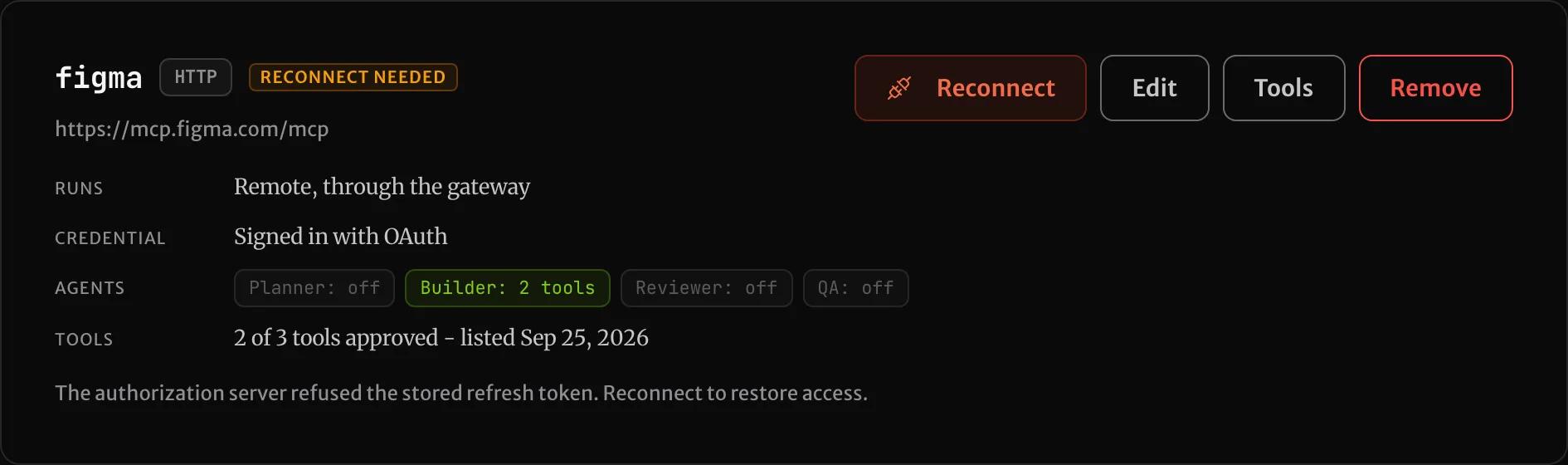
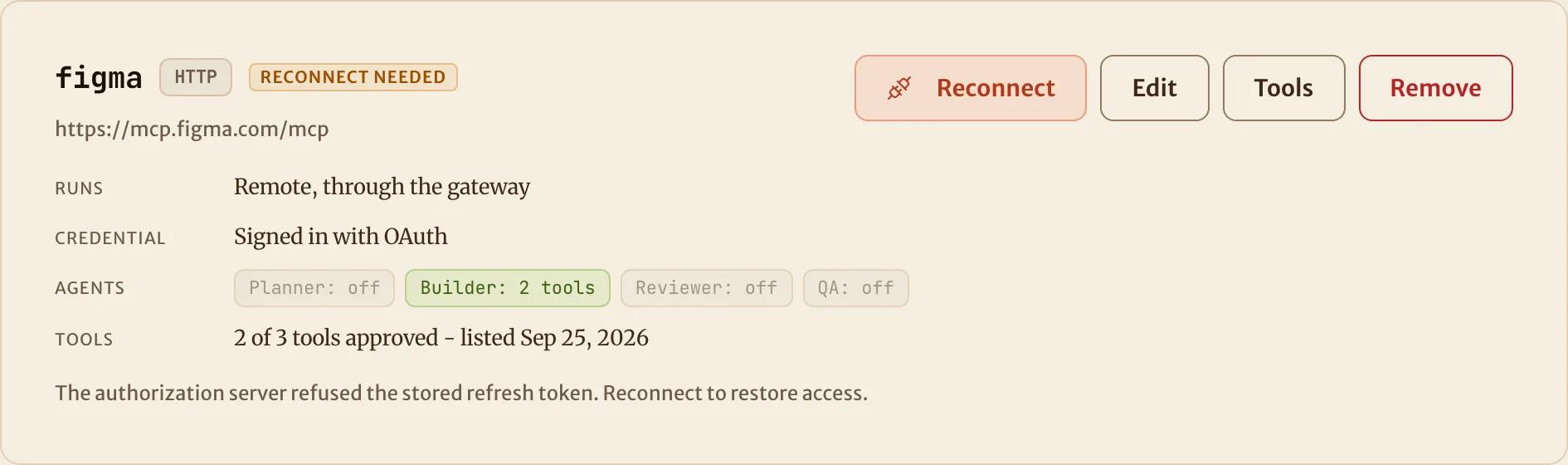
Linear can later refuse the stored authorization, for example if someone revokes the app. The card then reads Reconnect needed. Each agent that should get the server stops with that reason before it starts. Select Reconnect to sign in again.
Point a Docker server at its hosted endpoint
The sandbox has no container runtime, so a server your repository starts with docker run can't run there. Bind the vendor's hosted endpoint under the same name instead, with a header credential:
The Bind dialog for a Docker server offers only the hosted endpoint, and asks for its URL.
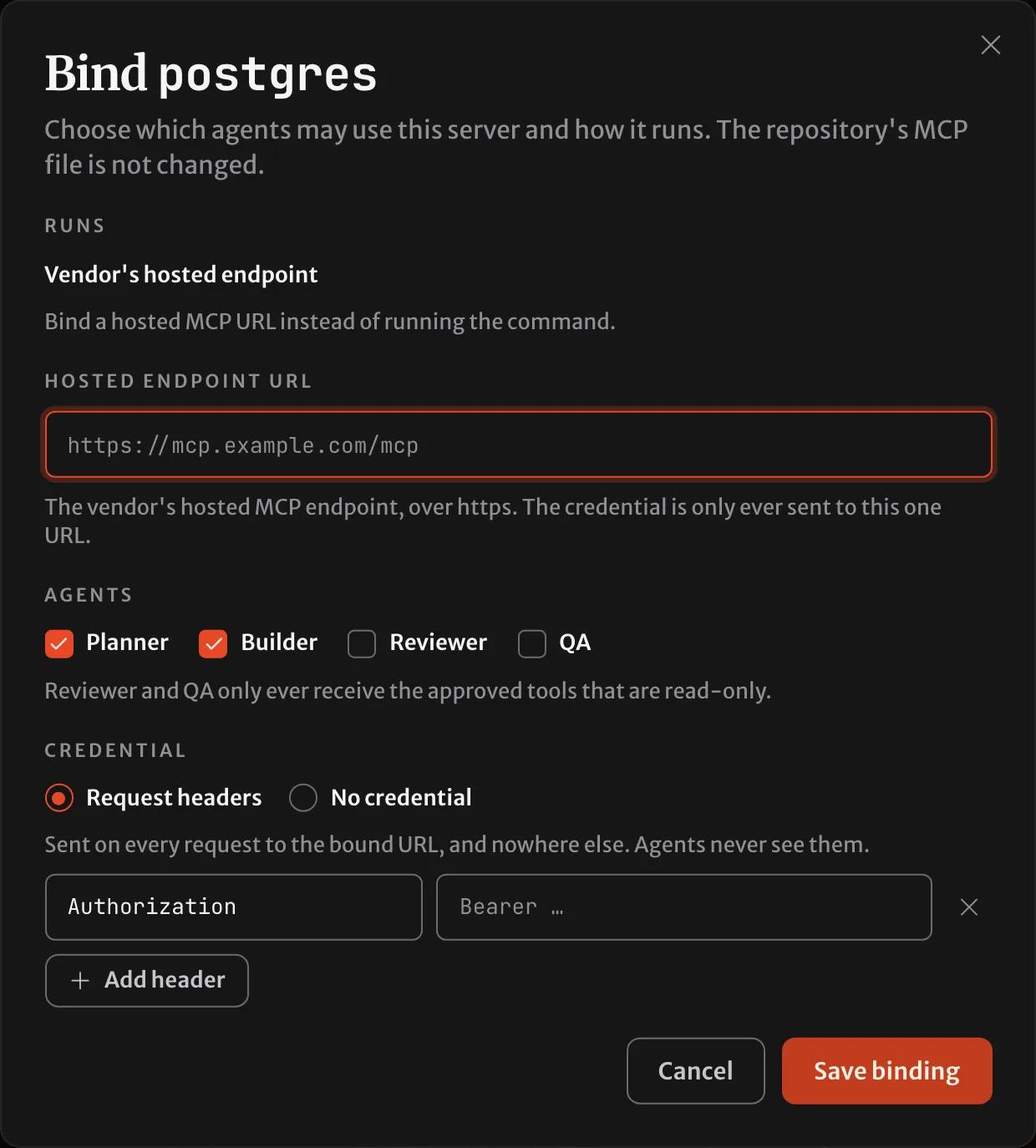
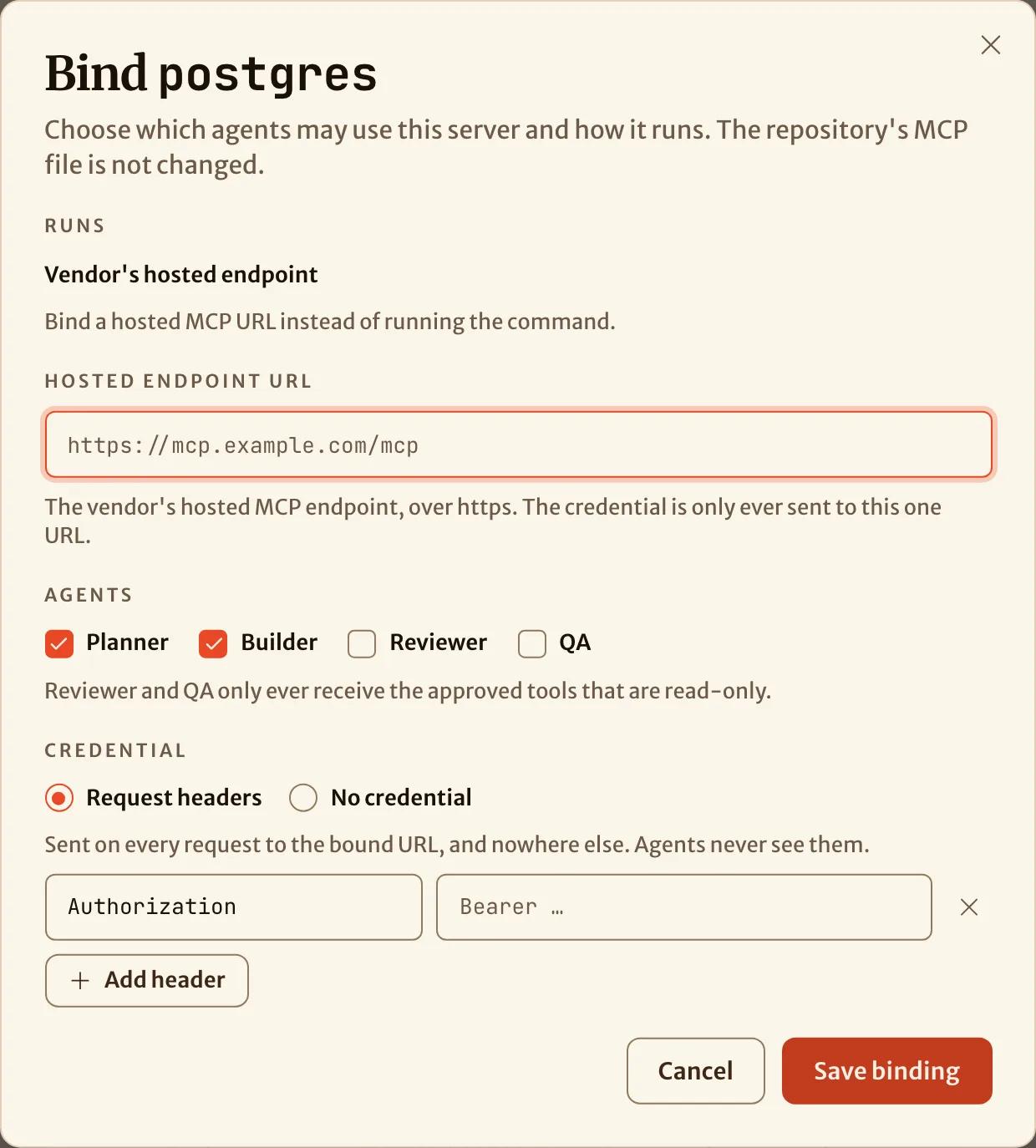
The URL must be https. The credential is pinned to it, so the repository's file can't redirect it later.
Let your coding agent bind them
Your own coding agent can do all of this through the MCP server, with these tools:
list_mcp_serversshows what the repository declares and what is bound.bind_mcp_serverbinds or edits a server.refresh_mcp_server_toolslists the tools of a server.start_mcp_server_oauthreturns the sign-in link for you to open.
The tools take the same fields as the API.
How is this page?